martin2345uk
Established Member
How do you actually do that? Say I’ve taken a photo on my phone and I want to insert it into a post..?

In a forum which permissions exist, the button to 'Upload a File' should be pressed, this is next to the Post Reply / Create Thread button.How do you actually do that? Say I’ve taken a photo on my phone and I want to insert it into a post..?
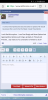
Perhaps this is clearer?
My resolution is 1440x900. It seems the problem is the fixed size of the member details.
I've just noticed the green triangle in the upper left of the avatar area that indicates if a member is currently online or not. It appears to me like it should overlay the corner of the avatar, but it's actually sitting immediately left of the avatar, looking a bit odd.
(Happening with IE11, Firefox 52 and Chrome 61 running on Windows 7)
Something that I've just noticed may be a feature, based on this post is automatic image resizing - I assume that this works on all mobile as well? Here is a large picture off wikipedia to check

I've just noticed the green triangle in the upper left of the avatar area that indicates if a member is currently online or not. It appears to me like it should overlay the corner of the avatar, but it's actually sitting immediately left of the avatar, looking a bit odd.
(Happening with IE11, Firefox 52 and Chrome 61 running on Windows 7)
Also happening on Chrome 61.0.3163.100 on Windows 10.Also happening with Firefox 56

They never went awayThe Semaphores are back!


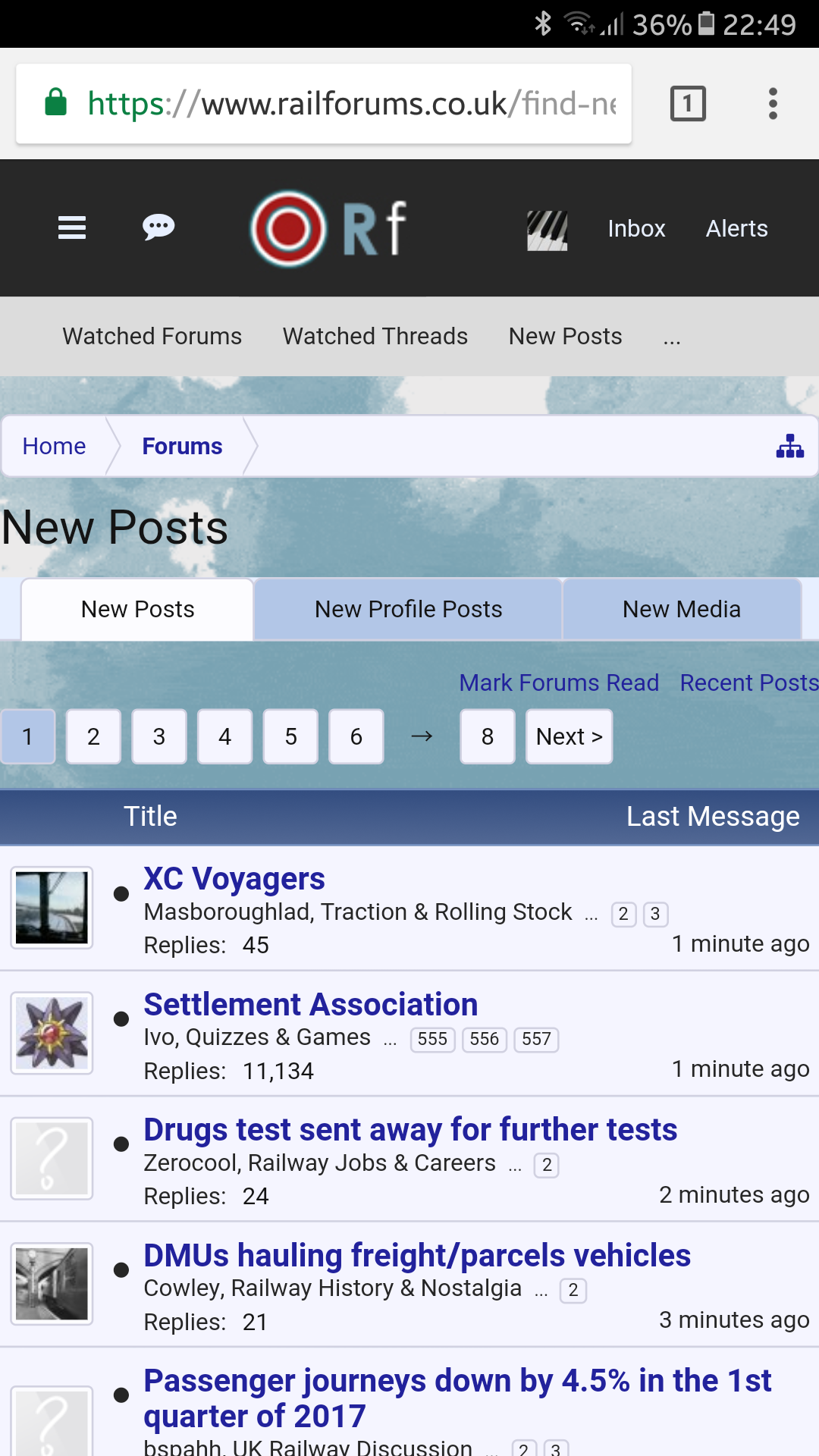
I think you could be on to something there. I've found I'm actually using the site from my phone more than my iPad now because it looks better on Chrome on a Galaxy Note 8 than Chrome on an iPad..It's very clean and neat on mobile so I wonder if the font face is playing a part here - the web version's Verdana is a pretty chunky font by modern standards.
In a forum which permissions exist, the button to 'Upload a File' should be pressed, this is next to the Post Reply / Create Thread button.
Will any member who only uses Tapatalk have any difficulty in making postings now?

I appreciate that this is probably fairly low down on the to-do list, but the ability to mark a whole forum as read by double-clicking on the signal was most useful. Are there any plans to re-introduce this function?The Semaphores are back!

A question and a comment. How did you manage to post a screenshot to this thread? When I wanted to do so, I could find no way of doing it — there is no "Upload a file" option. And when I open your image, it comes out so huge that I have to scroll three window-heights to see it all (that's on Firefox 56)!It's very clean and neat on mobile so I wonder if the font face is playing a part here - the web version's Verdana is a pretty chunky font by modern standards.
I appreciate that this is probably fairly low down on the to-do list, but the ability to mark a whole forum as read by double-clicking on the signal was most useful. Are there any plans to re-introduce this function?
2)...Under the search facility on the new system, you can select a particular forum, but not any thread on it. Under the old system, I am sure that at the top right of each particular thread on a forum, that thread had its own search facility. What is the current state of play regarding this particular matter.


This was available in VB however as you suspected it would have been hidden from your screen reader, as it was an option under the 'thread tools' drop-down that resided at the top of the thread.If this option was available on VB then it was well hidden enough for a screan reader using idiot like me not to find it!
They only seem to do it if its over a page, which I noticed earlier, thought it was just my phone, good to know it wasn't.The arrows in the quote headers (which I would assume take you to the quoted post) don't appear to work. They will change the URL, but they don't move the page.

Middle red button
I hadn't noticed until now but it seems the lack of the 'upload' button is limited only to the Announcements forum, for me at least.That option does not show in this thread for me, just Post Reply and More Options.
It doesn't show in this forum but should appear in others. If it isn't appearing for you this will be a permissions issue; setting the permissions is a time consuming process and I envisage that I will still be doing it for at least another week now. However for most of our customers they are largely correct as I have prioritised the ones with the largest number of users after I have looked at the staff members.That option does not show in this thread for me, just Post Reply and More Options.
It doesn't show in this forum but should appear in others. If it isn't appearing for you this will be a permissions issue; setting the permissions is a time consuming process and I envisage that I will still be doing it for at least another week now. However for most of our customers they are largely correct as I have prioritised the ones with the largest number of users after I have looked at the staff members.